Thank you for visiting the NEW ZEALAND HP Store
-
Contact Us
CONTACT USCall us
- Sales
- 0800 854 848
- Technical support
- +64 9884 8600
Mon-Fri 9.00am - 6.00pm
(exc. Public Holidays)
Chat with us- Our specialist are here to help
- Live chat
Mon-Fri 9.00am - 6.00pm
(exc. Public Holidays)
Submit feedback We value your opinion! - My Account

Search
Tech Takes

-
Posted: July 11, 2026
 Read more »
In the competitive world of gaming, Kiwi players know that every advantage matters. HyperX has long been synonymous with quality gaming peripherals, but with HyperX NGENUITY software, you can take your gaming experience to an entirely new level. This powerful configuration tool allows you to customise and optimise your HyperX devices, ensuring they perfectly complement your gaming style and preferences, whether you’re competing in local tournaments or playing casually at home.
-
Posted: July 11, 2026Categories: Laptops
 Read more »
As with any piece of equipment, you need to maintain your laptop to help it run at optimal performance. Too often, people overlook caring for their laptop’s battery. Without proper care, the battery will degrade and hold less of a charge over time, meaning you’ll end up forgoing portability. Plus, you’ll have to replace the battery outright if it no longer holds a charge at all.
-
 Read more »
Choosing between a laptop and a desktop PC is one of the first decisions when buying a new computer. Both have improved significantly in recent years, with laptops offering desktop-class performance in some cases, and desktops maintaining clear advantages in upgradeability and value.
This guide compares laptops and desktops across the factors that actually matter in 2026, from performance and portability to AI capabilities and long-term cost, so you can make the right choice for how you actually use a computer.
Laptop vs desktop (quick answer)
The right choice depends on how you use your computer.
-
Choose a laptop if: you need portability, work from multiple locations, have limited space, or value the built-in screen, keyboard, and battery
-
Choose a desktop if: you want maximum performance for the price, plan to upgrade over time, need multiple large monitors, or use the computer in one fixed location
For most everyday users, modern laptops offer more than enough performance, and the convenience
-
-
Posted: July 11, 2026
 Read more »
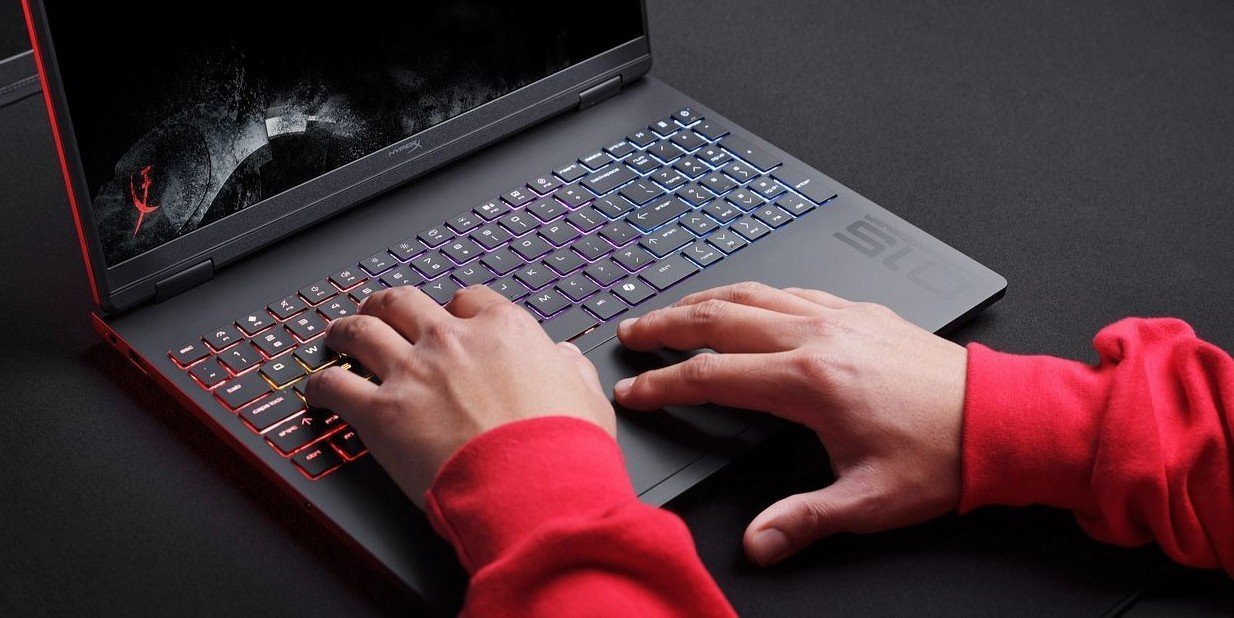
Finding the buttons needed to perform commands when browsing can sometimes be tricky. It can also be awkward to keep on moving your hand to and from your mouse, which can disrupt your flow. The result is decreased productivity, which few people can afford in such a busy, fast-paced world.
-
 Read more »The digital age has turned us into instant gratification monsters who have zero tolerance for long load times and laggy processing. We expect our expensive tech to match our fast-paced worlds but the reality is that over time, slowdowns just happen.
 -
 Read more »Do you want to display your phone screen on your laptop screen? Would you like to transfer photos from your iPhone to your computer hard drive? These tasks require a connection between the two devices, and the process is actually rather simple and straightforward.
 -
Posted: July 11, 2026Categories: Printer
 Read more »
Have you felt that frustration when trying to print a document from the web or an Excel spreadsheet, only to find everything comes out disorganised? Or perhaps setting up a new printer has always been a headache for you here in New Zealand?
-
Posted: July 11, 2026
 Read more »
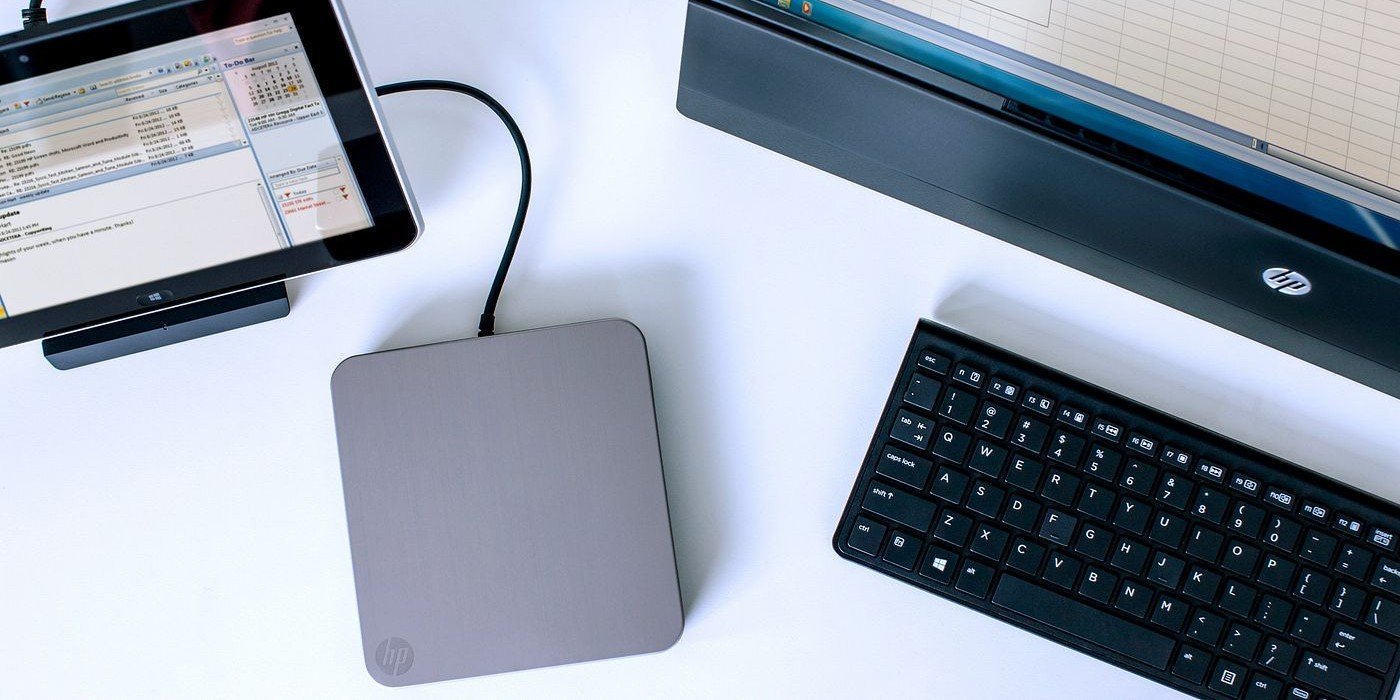
If your computer has an internal optical drive, then you have nothing to worry about – but what do you do if it doesn't have one? In this guide, we’ll give you the facts on how to play a DVD or CD on a desktop PC or laptop with no disk drive.
-
Posted: June 18, 2026Categories: Desktops
 Read more »
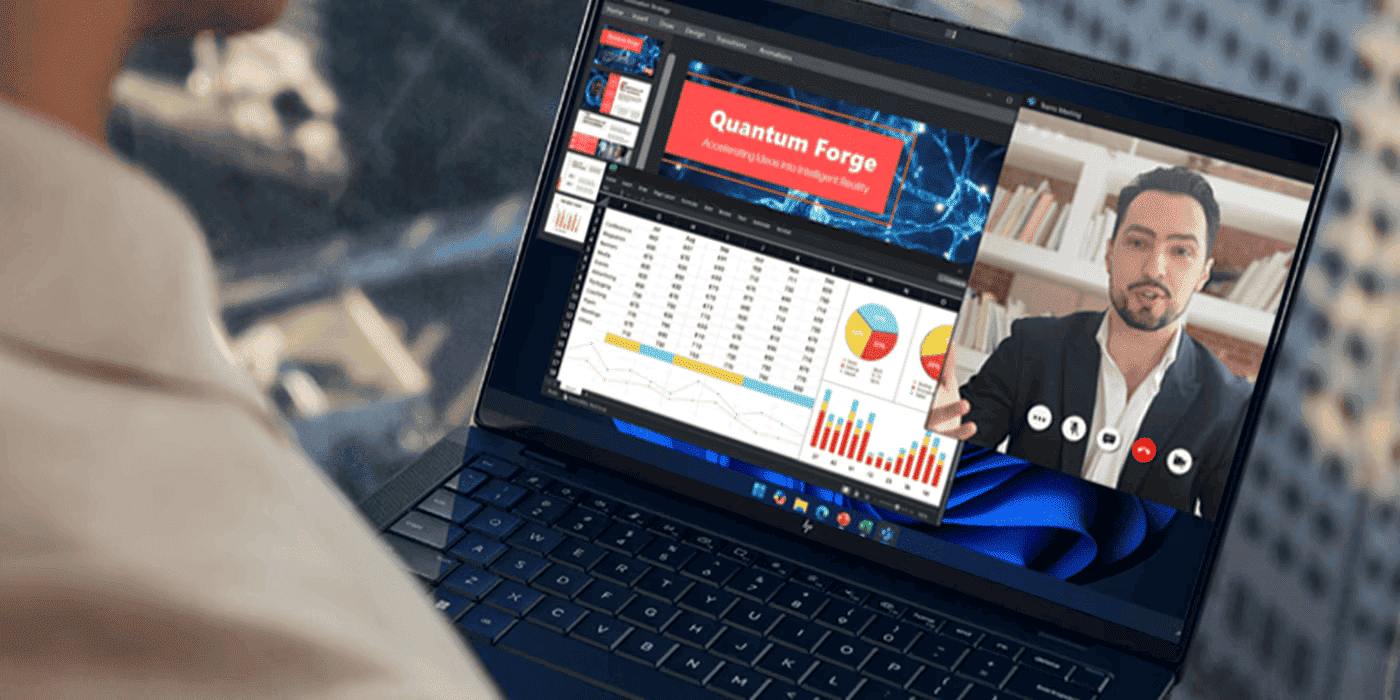
If you've shopped for a laptop in the last six months, you've likely noticed a new yet already ubiquitous buzzword: the AI PC. Intel, AMD, and Microsoft are positioning these machines as the most significant leap in computing since the internet. But for the person holding the credit card, the messaging is often a fog of vague promises about "smarter workflows" and "creative potential."
-
Posted: June 18, 2026Categories: Miscellaneous
 Read more »
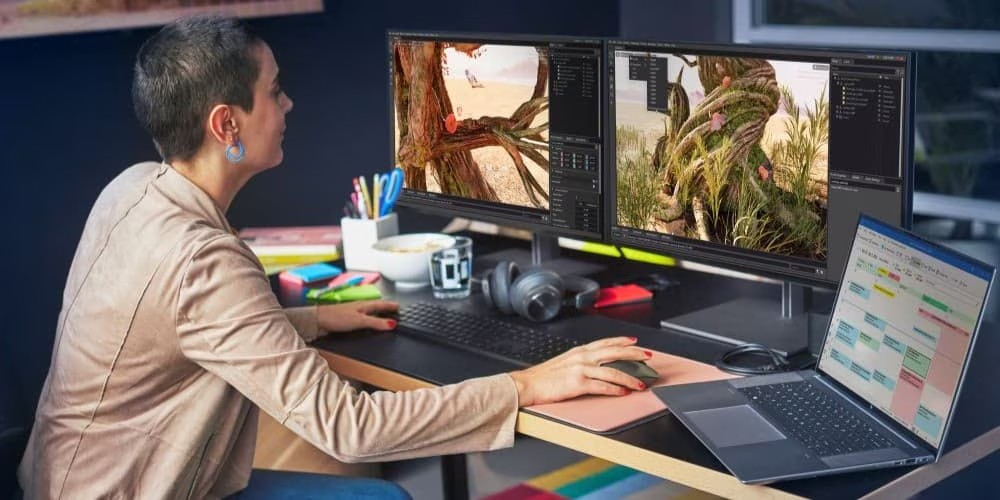
Discover the best AI creativity tools for designers, writers, and content creators. Compare free options and premium solutions available today. Whether you're exploring AI creative tools, testing AI tools for content creation, or searching for free AI creativity tools, this guide highlights the most effective solutions. From AI tools for designers to AI writing assistants, the landscape of AI creativity tools is expanding rapidly.
Recent Posts
Popular Posts




Products purchased through this store are sold and fulfilled by Ingram Micro (NZ) LTD

CONTACT US
Call us
- Sales
- 0800 854 848
- Technical support
- +64 9884 8600
Mon-Fri 9.00am - 6.00pm
(exc. Public Holidays)
Chat with us
- Our specialist are here to help
- Live chat
Mon-Fri 9.00am - 6.00pm
(exc. Public Holidays)
Submit feedback
We value your opinion!